3.3 Assignment Making a Colour Palette
For this assignment you will be creating a colour palette from colours in nature in the area where you live.
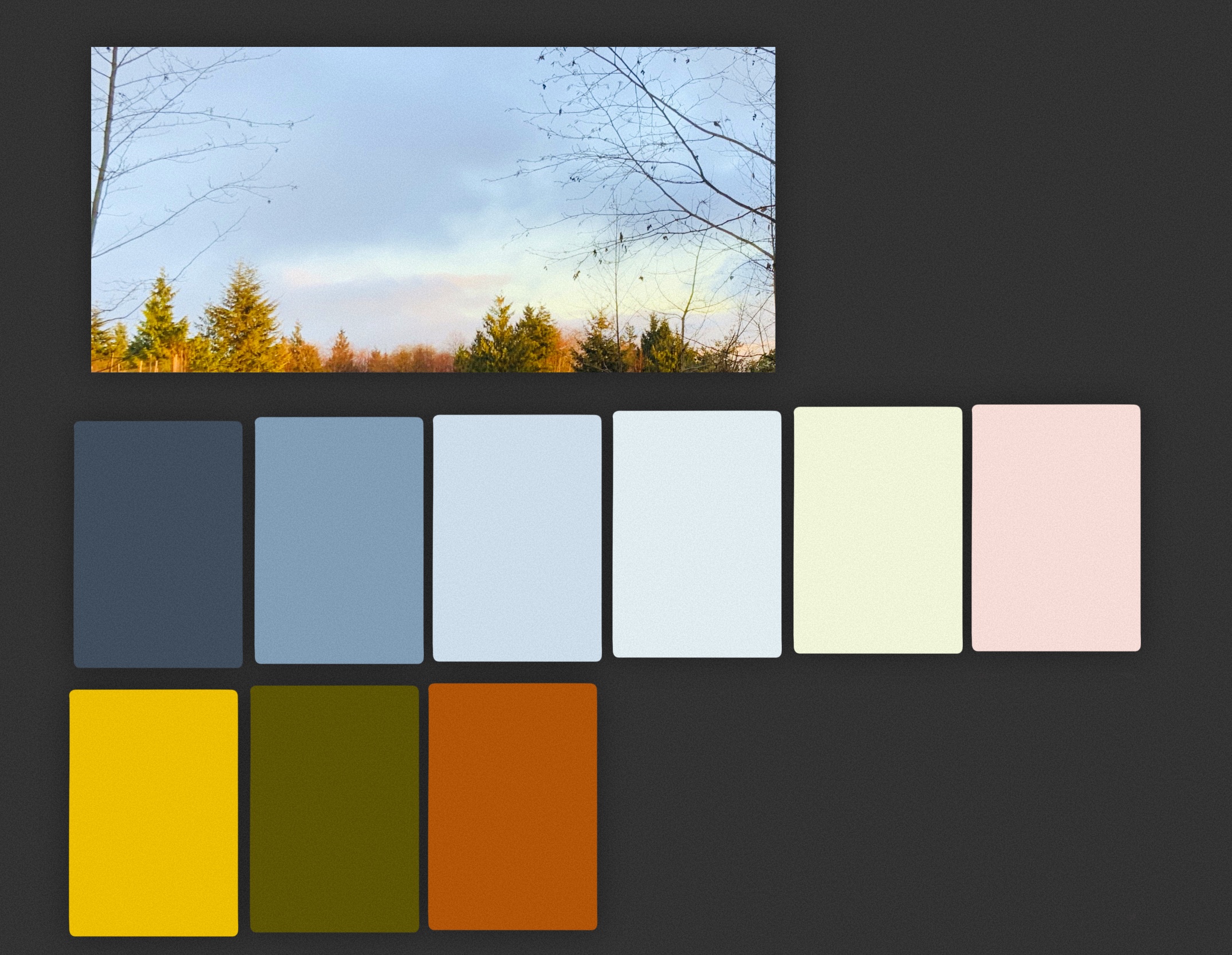
You will need to take a photograph in a natural setting such as a forest, at the beach, or from the top of a viewpoint. Take a look at the photo and colour palette below to get an idea of what is required.
Step 1
Take a photo in nature using your phone, a camera or an iPad. Pay attention to the colours which inspire you.
Step 2
Import your photo into Procreate. Follow the instructions in section 3.3 for creating a new palette from a photo.
Step 3
Upload your photo and palette as one file below.
Step 4
Write a reflection in which you describe how you selected the place for your photo then explain how you might use this colour palette for later projects. To what kinds of products might these colours lend themselves?