
1.3 Layer Assignment
Completion requirements
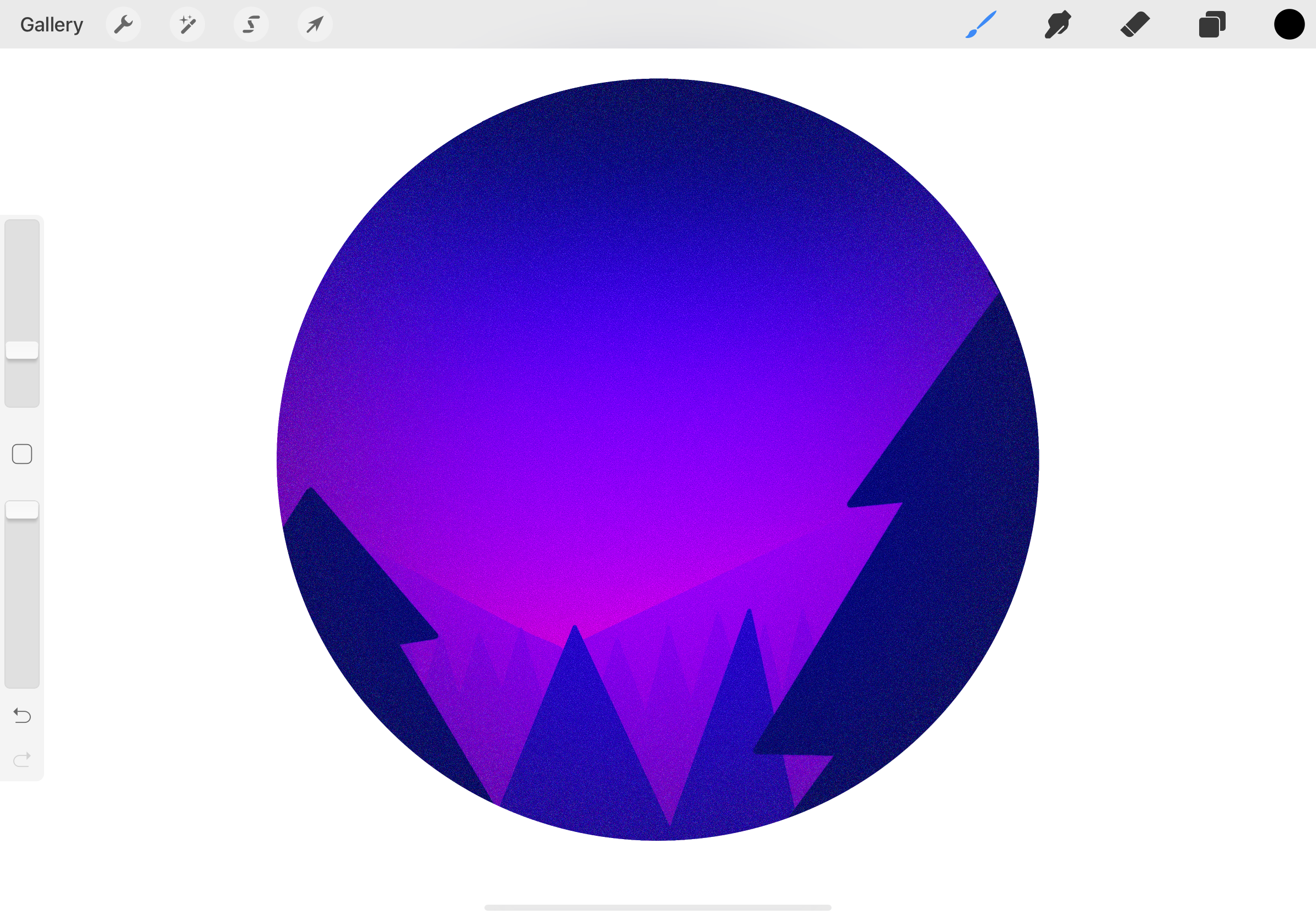
For this assignment, you will create a landscape within a shape similar to the one below, though it will also differ in many regards. To create your landscape, you will need to use the following tools and actions:
- Layers (you must create at least 4)
- Create a solid shape
- Fill the solid shape
- Use any airbrush
- apply any blur
- Use clipping mask to keep drawings within the primary shape
- Use any pen
- Apply alpha lock
- Use a textured brush to add shading
The following video will show you how to complete each step.
When you have finished your drawing, you will need to write a statement in which you explain your process and your choices in arriving at your final landscape drawing. For example, you will need to explain how many layers you used and why, and why you chose the shape which you did as well as the colours. You should also explain any issues which you had in completing this assignment.
You will need to upload your drawing below as a jpeg or png file and will need to hand in your statement in the textbox.