
1.2 Making a sketch in Procreate
Completion requirements
In this assignment you will be creating a simple drawing to get the basics of how Procreate works. You will also get a chance to work with layers.
Steps:
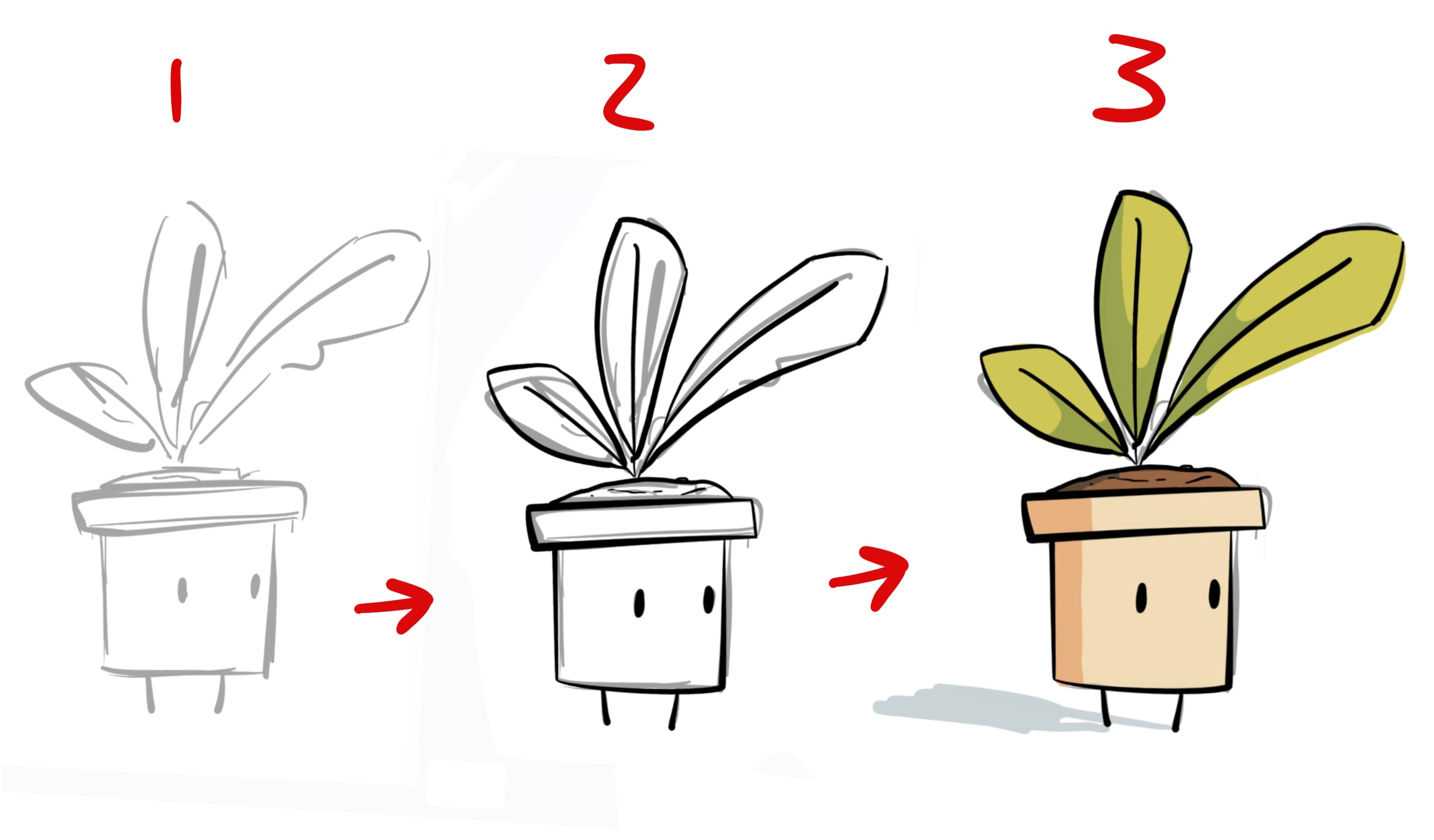
1. Create a simple rough sketch of a plant in a planter similar to the one below. You can get creative here. Take a screenshot of your sketch which you will submit with your assignment.
2. Create a new layer, then go over the sketch with new clean lines.
3. Create one more layer under the new lines and colour in your drawing.
4. Remove the original layer with the sketch lines.
5. Upload the sketch and the final drawing below as jpeg files.
For more detailed instructions, watch the short video below.