
4.4 Assignment - Ecommerce, Security and Hackers
Completion requirements
Now that you have read about how e-commerce operates and how scammers and hackers might target you to get either your personal info, your money or both, you should be ready to let your peers know how to stay safe when it comes to using technology.
Your Task
You will be creating a poster targeted at teens which informs them how to avoid scams and generally stay safe on the internet. Your poster will use both text and images to cover five key topics. It might look something like the one to the right which warns of common tourist scams. 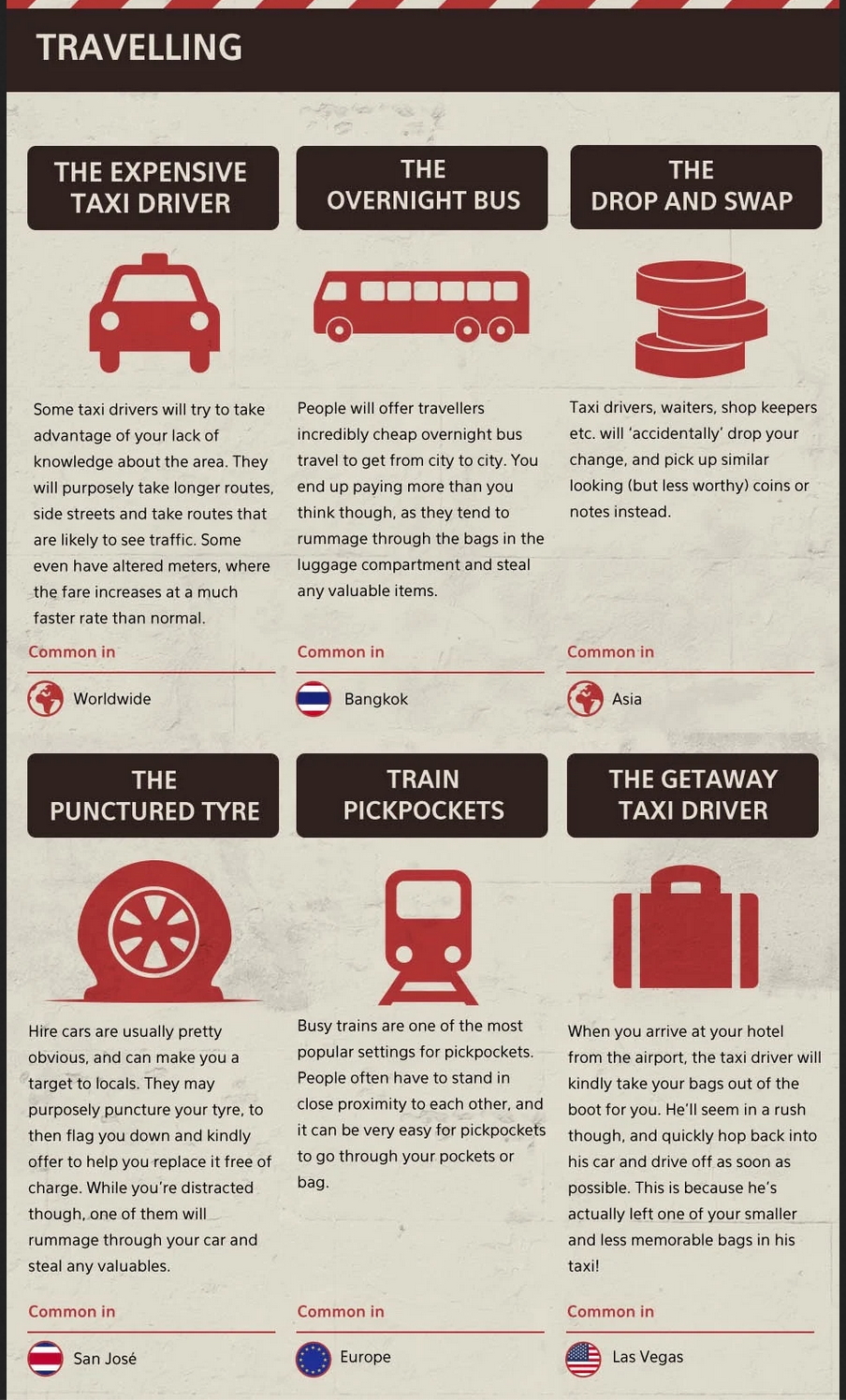
You can choose five of the topics below, but are not limited to these.
- multifactor authentication
- ecommerce scams
- protecting your passwords
- phishing
- avoiding private wifi networks
- pre-texting
- avoiding malware
- using credit cards safely
- logging out on public/school computers
For each topic, you will need to write a succinct paragraph of about 100 words.
You will also need to include an image for each topic. You can use icons from The Noun Project or images from Creative Commons, or you can create your own images. Your image should work to communicate information rather than merely being decorative.
You can create your poster using a word-processor such as MS Word or Pages, in Google Docs or a graphics editor such as Canva or any other program that you know how to use that will do the job.
You can complete this assignment just with the resources in this section. If you choose to use other sources, you must include a bibliography.
Finally, you will need to write a short reflection in which you explain your choice of topics, your process for creating your poster and any issues that you encountered while working on this assignment.
