
2.3 Making a composite image
 For this assignment, you will be blending two or three images together to
make a composite image which is entirely new.
For this assignment, you will be blending two or three images together to
make a composite image which is entirely new. Composite Images: What are they?
Start with an idea, then look for images. You might want to take a picture or two of your own for this assignment but it is not required.
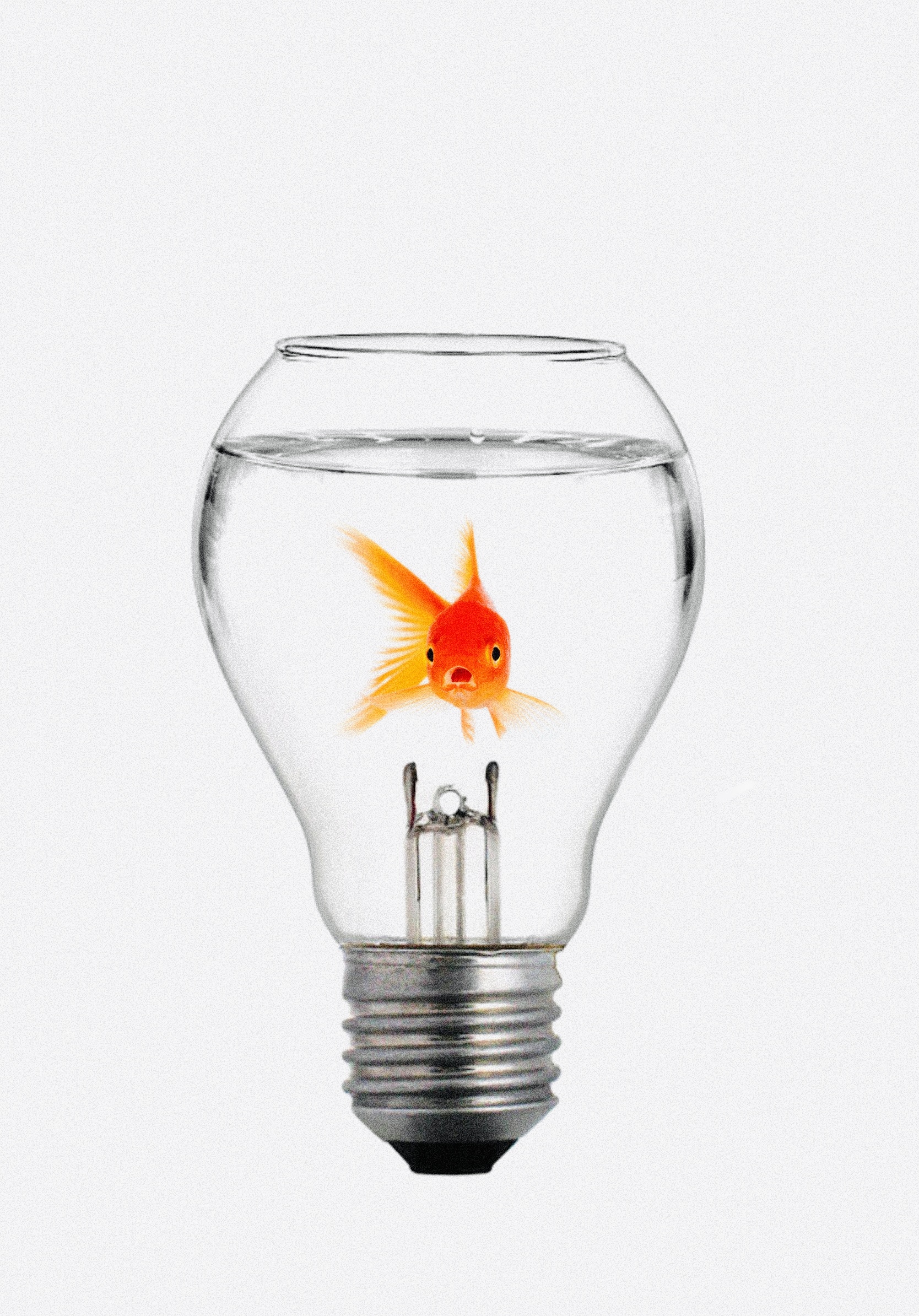
Look at the image to the right. Here you see a goldfish in a bowl, right? On closer inspection, you see that it is in a lightbulb. We can refer to these kinds of images as visual puns.
For your assignment, you will want to start with a recognizable image, then you can play with it. Perhaps it is a child with a balloon on a string. What can you replace the balloon with? The moon? or the Earth? An egg? It is up to you.
For instructions on the process to create a composite image in Procreate, click on the link below.
Once you have created your image, write a reflective response in which you explain your original idea and what you had to do to achieve it. Make it clear whether you took any of the pictures yourself, or how you arrived at choosing the ones that you did.
Also, explain any challenges which you encountered and how you dealt with them.